
Wuthering Waves on Mac in 2026: Workarounds, Requirements, and Practical Setup Guide
Wuthering Waves on Mac lacks a native client; cloud gaming, PlayCover, Boot Camp, and emulators offer workarounds.
Wuthering Waves has become one of the most visible free-to-play gacha games of the decade. Set in the post-apocalyptic world of Solaris-3, the action RPG asks players to control Resonators who push back against hostile creatures known as Tacet Discords. The formula has attracted millions of players across Windows PC, Android, iOS, and PlayStation 5. By 2026, the game has continued to expand, with the 2.0 update adding new features and a Cyberpunk Edgerunners collaboration announced for May 2026. Yet one question keeps returning for Apple users: can Wuthering Waves be played on a Mac? The short answer is that Mac owners still do not have a simple native client. The longer answer involves several workarounds, each with its own trade-offs.

🎮 Why the Mac Question Persists
Wuthering Waves is available on Windows through its official launcher and the Epic Games Store. It also runs on Android and iOS, and it has a PlayStation 5 version. No official macOS client appears alongside those platforms. Kuro Games had previously signaled an early 2025 port, but the practical Mac options in 2026 remain emulation, cloud streaming, PlayCover, and Boot Camp. Each method solves a different problem. Cloud gaming avoids local hardware limits. PlayCover targets Apple silicon Macs. Boot Camp serves older Intel machines. Emulators offer a quick but imperfect fallback.
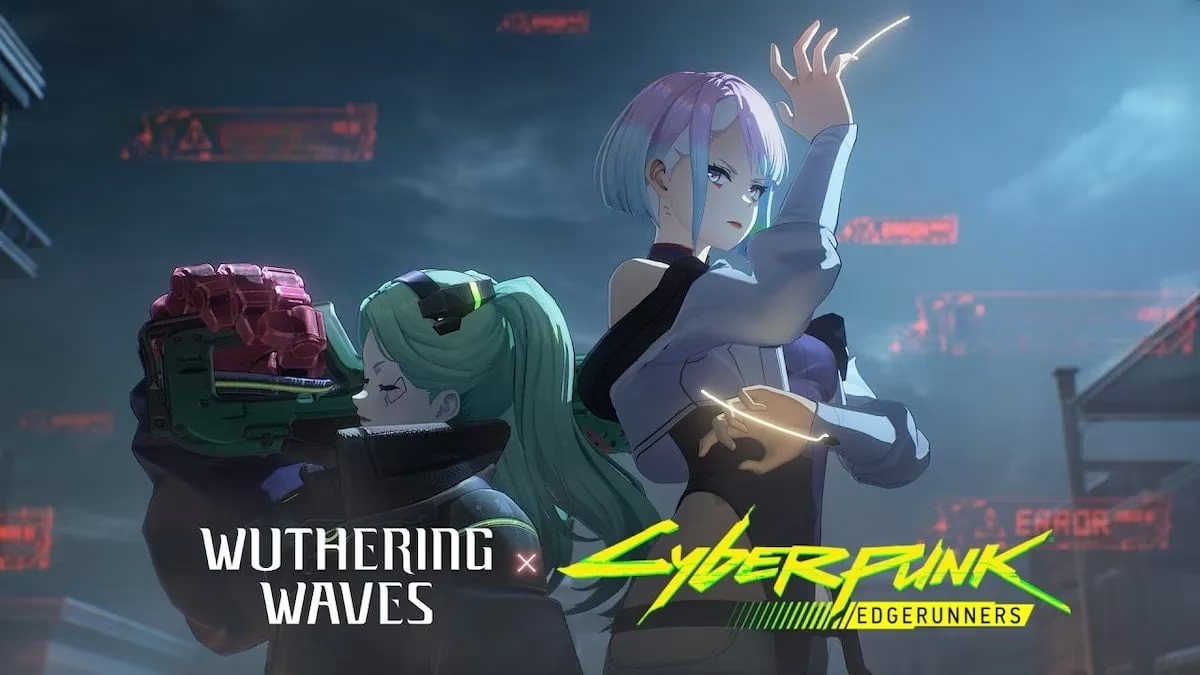
The game’s structure explains why Mac owners keep looking for solutions. Wuthering Waves is a live-service title with regular updates, limited-time events, and a large roster of Resonators. Missing a platform can mean missing progression, banners, and collaboration rewards. The 2026 Cyberpunk Edgerunners crossover, which features a free five-star character, is a clear example of why access matters. A Mac player who cannot log in regularly may fall behind on limited content.
🛠️ Four Practical Routes for Mac Players
| Route | Best for | Requirements | Main caveat |
|---|---|---|---|
| Cloud gaming | Low-hassle play | Stable internet and a supported cloud service | Latency and service availability |
| PlayCover | Apple silicon Macs | PlayCover, a Wuthering Waves IPA file, and an Apple silicon Mac | Manual updates and IPA sourcing |
| Boot Camp | Intel Macs | Intel Mac, 64 GB free storage, 16 GB USB drive, and Windows 10 ISO | Not available on Apple silicon |
| Emulator | Quick experiments | Emulator setup and a Kuro Games account | Poor optimization, crashes, and account progress risk |
☁️ Cloud Gaming: The Lowest-Hassle Option
Cloud gaming is often the cleanest route for Mac owners who do not want to partition a drive or hunt for IPA files. Services such as GeForce Now stream the game from remote hardware, so the Mac only handles video and input. A stable internet connection matters more than local GPU power. The approach can deliver high-end performance without a gaming PC, but it depends on service availability, subscription terms, and network quality. Players on weak Wi-Fi may notice input lag, and fast-paced combat can suffer when latency spikes.
📱 PlayCover on Apple Silicon: A Step-by-Step Route
For Apple silicon Macs, PlayCover is a popular iOS emulator route. It runs the iOS version of Wuthering Waves on macOS. The requirements are straightforward: the PlayCover application, a Wuthering Waves IPA file, and an Apple silicon Mac. The process is not official, so caution is warranted. Downloads should be scanned, and IPA files should come from reliable sources.
-
The player downloads and installs PlayCover, choosing the latest release.
-
The downloaded disk image is opened, and the app is moved into the Applications folder.
-
A Wuthering Waves IPA file is obtained from a reliable source. Online downloads should be scanned before use.
-
PlayCover is opened, and the Import IPA option is selected.
-
The IPA file is chosen from the Downloads folder, and Open is clicked.
-
The player waits for extraction, then opens the Wuthering Waves launcher.
-
The game installs, the client restarts, and shader compilation finishes.
-
The player signs in with a Kuro Games account and begins play.
Updating the game requires a fresh IPA for the latest version and another import into PlayCover. That manual step is the main maintenance cost. Players who dislike repeated downloads may prefer cloud gaming or a Windows partition.
💻 Boot Camp on Intel Macs: The Traditional Windows Route
Intel-based Macs have another route: Boot Camp Assistant. It creates a Windows partition and lets the Mac boot into Windows or macOS. The requirements are specific. The Mac must use an Intel processor. The OS drive needs at least 64 GB free. A USB flash drive with at least 16 GB capacity is required. A 64-bit Windows 10 Home or Pro ISO is also needed.
-
The player opens Applications, then Utilities, then Boot Camp Assistant.
-
The on-screen instructions are followed to create the Windows partition.
-
After restart, the Boot Camp partition is formatted.
-
Windows installation is completed, and the latest drivers are installed.
-
The Mac restarts again, and Wuthering Waves is installed from the official launcher or Epic Games Store.
-
In-game settings are adjusted to match the Mac’s hardware.
Boot Camp is not available on Apple silicon Macs, so this route is limited to older Intel machines. Performance depends on the GPU and cooling. A MacBook Air may throttle during long sessions, while a higher-end Intel Mac can run the game more comfortably.

⚙️ Emulator Routes: Convenience With Caveats
Emulator routes, including BlueStacks, are frequently mentioned. They can be convenient for quick tests, but Wuthering Waves is not optimized for emulator play. Players may encounter minor crashes, stutter, or input issues. Account progress can also become confusing when players switch between accounts. For long-term play, cloud streaming or a native Windows installation through Boot Camp is usually more stable.
🧭 Performance and Account Tips
-
Use the same Kuro Games account across devices to avoid progress confusion.
-
Adjust shadows, effects, and resolution before entering combat.
-
Keep the Mac cool and plugged in during longer sessions.
-
Scan IPA files and avoid untrusted download sources.
-
Use wired or strong Wi-Fi for cloud gaming.
-
Keep Windows drivers current in Boot Camp.
-
Expect manual updates with PlayCover.
🏁 Final Thoughts
Wuthering Waves remains a demanding but accessible gacha game. Its 2026 content pipeline, including the Cyberpunk Edgerunners collaboration, gives Mac owners reasons to find a workable route. There is still no frictionless native macOS experience. Cloud gaming offers the simplest entry. PlayCover suits Apple silicon users who accept manual updates. Boot Camp serves Intel Mac owners who want a Windows-like setup. Emulators remain a fallback with caveats. For Mac players, the best choice depends on hardware, patience, and tolerance for maintenance.
Comments